Securing Your Mac Against Malware
Follow these essential security steps to keep your Apple computer running safely and free of malicious software.

Keep Software Updated
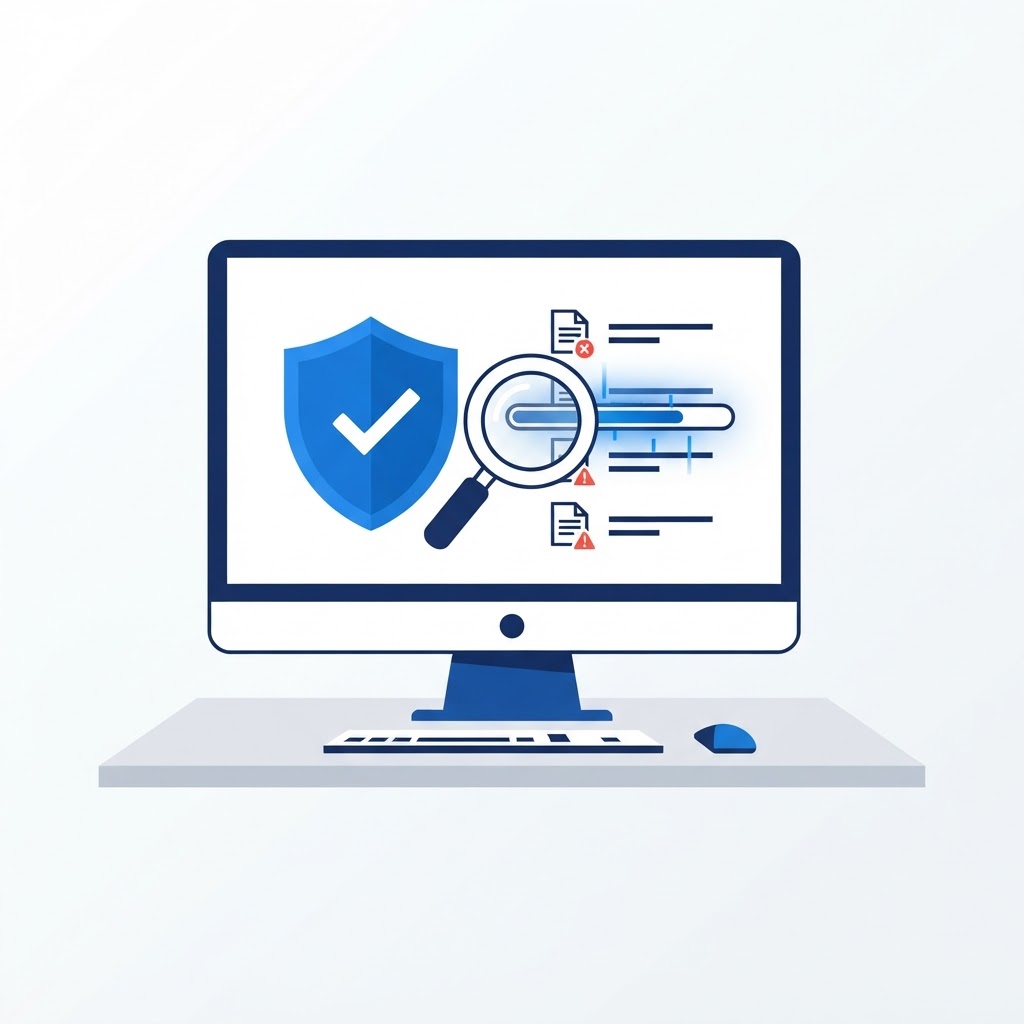
Malware often exploits vulnerabilities in outdated operating systems. Navigate to 'Software Update' in your System Settings to ensure you are running the latest version of macOS. These updates frequently include critical security patches that protect your machine against the latest identified threats.
Download Only From Verified Sources
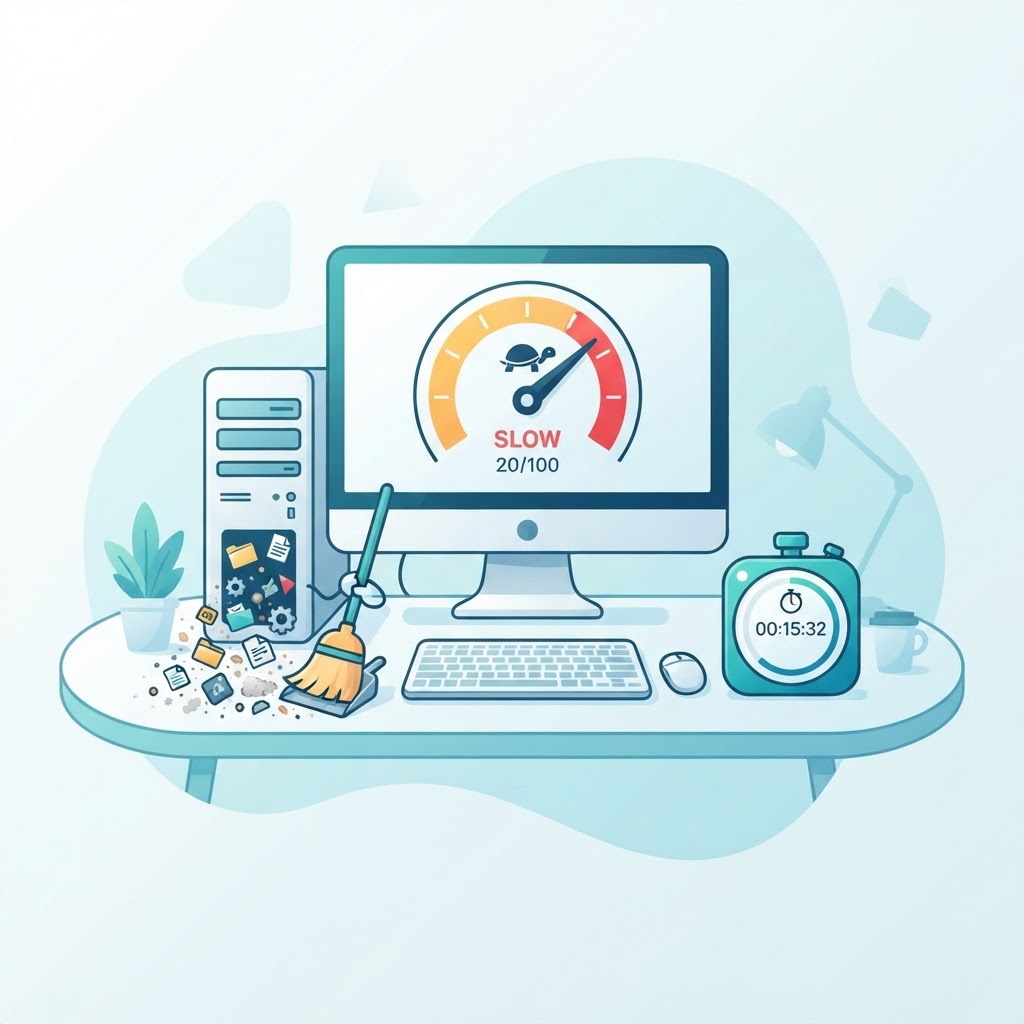
Stick to the official Mac App Store whenever possible. If you must download software from the web, ensure the website is reputable and verified. Always be wary of pop-ups that claim your computer is 'infected' or 'slow'—these are classic tactics used to trick users into downloading malicious software themselves. If you see such a warning, force-quit your browser immediately.
Think You Might Have an Infection?
Our technicians fix computers, Wi-Fi, printers and smart home devices remotely — anywhere in the US, same-day sessions available.