
TECHNICO Help Center
Tech help, one step at a time.
Troubleshooting guides for computers, Wi-Fi, software and everyday devices.
Why Is My Computer So Slow? 9 Fixes & When to Get Professional Remote IT Help
Is your PC or Mac taking forever to boot? Uncover 9 common reasons for slow performance, simple DIY fixes, and how professional remote IT optimization restores peak speed.

Remote Computer Repair Online: Fast, Secure IT Support Without Leaving Your Home
When your computer crashes or slows down, hauling it to a repair shop is frustrating. Discover how secure remote computer repair online fixes virus infections, slow PCs, and software bugs from home in 1–2 hours.
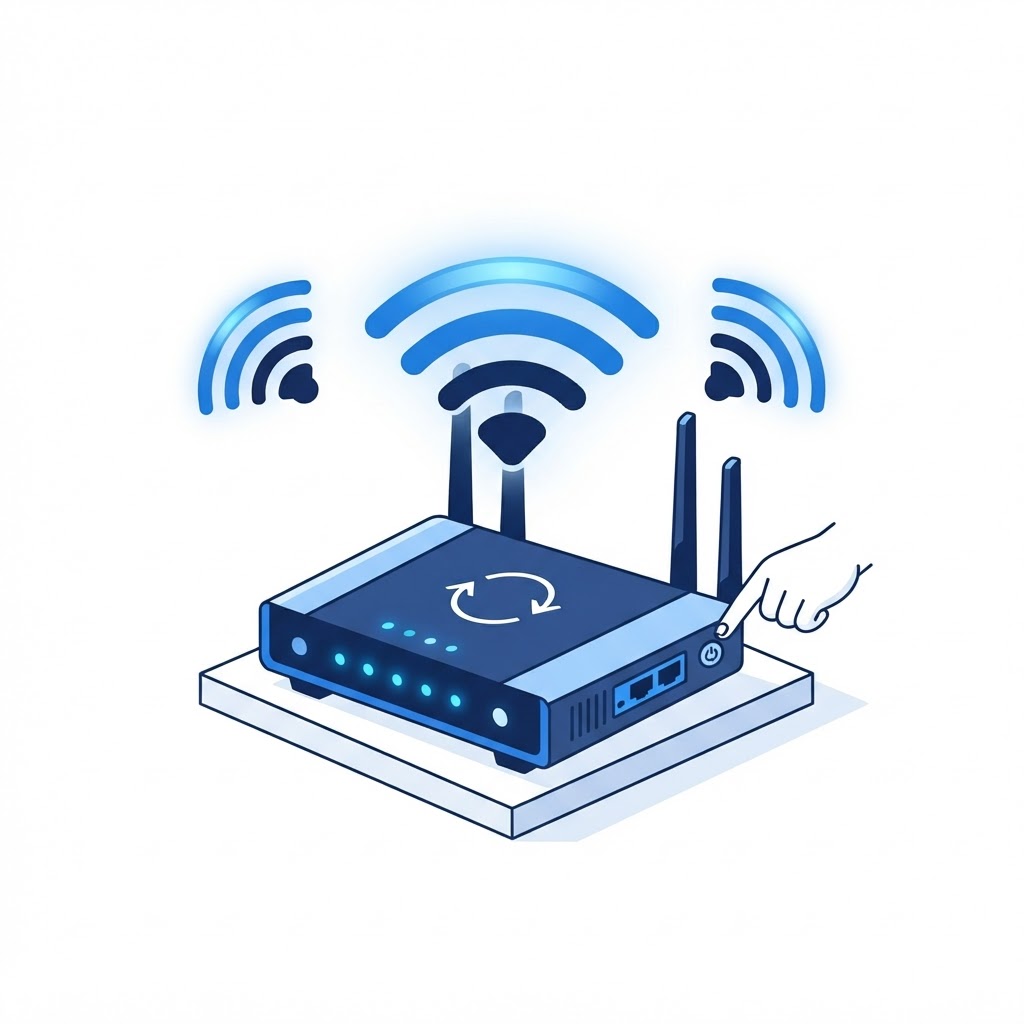
How to Restart Your Router the Right Way (and Fix Most Wi-Fi Problems)
Before you blame your internet provider, try this. A proper router restart clears memory glitches and re-establishes your connection — here's the right way to do it.

Professional Virus Removal Service: How Remote Cleaning Safely Eliminates Malware
Persistent pop-ups and browser hijacks indicate malware. Learn how Technico's professional remote virus removal service eliminates threats, repairs registry files, and restores security without data loss.

How to Remove Malware From Your PC: A Step-by-Step Guide
Pop-ups you didn't ask for, a browser that redirects, or a PC that suddenly crawls? Here's a safe, step-by-step process to clean malware off a Windows PC.
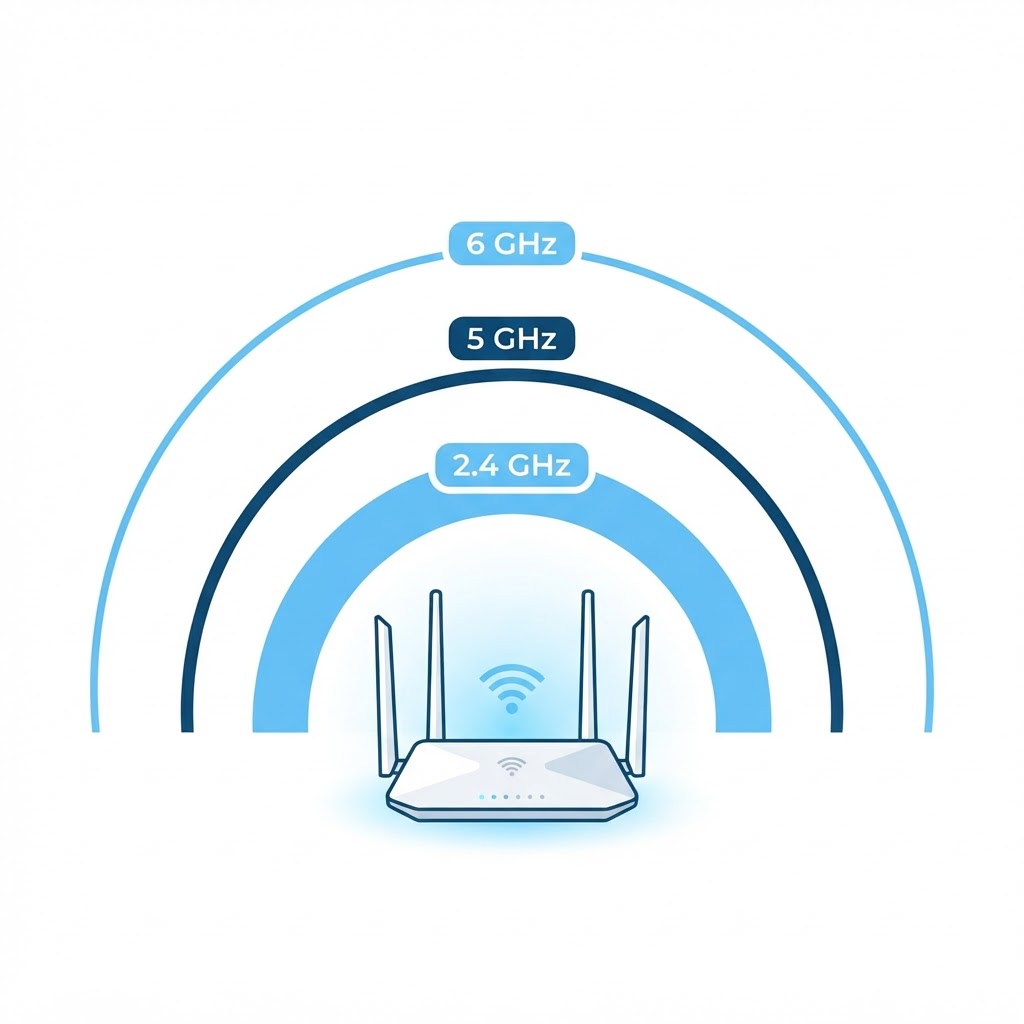
2.4 GHz vs 5 GHz vs 6 GHz: Choosing the Right WiFi Band
Understanding the differences between wireless bands is key to optimizing your home network performance.

Why Your WiFi Is Slow and How to Fix It
Slow internet is often a result of simple interference or poor router placement.

Why Your Windows Laptop Is Slow (and How to Fix It)
Identify the hidden processes and storage issues slowing down your Windows device.
20 Ways to Boost Your WiFi Signal
From hardware adjustments to simple home hacks, here is how to improve your wireless coverage.
What to Do When Your WiFi Is Not Working
Don't panic when the internet goes down; follow this logical troubleshooting process.
How to Get Microsoft Office for Free
Access powerful productivity tools without paying a monthly subscription fee.

How to Test Your WiFi Speed
Learn how to accurately measure your connection to determine if you are getting what you pay for.
Why Does My Computer Keep Waking From Sleep Mode?
Troubleshoot the devices and background tasks responsible for keeping your PC awake.
How to Organize Your Gmail Inbox
Master your emails with simple filtering and labeling techniques that save time.
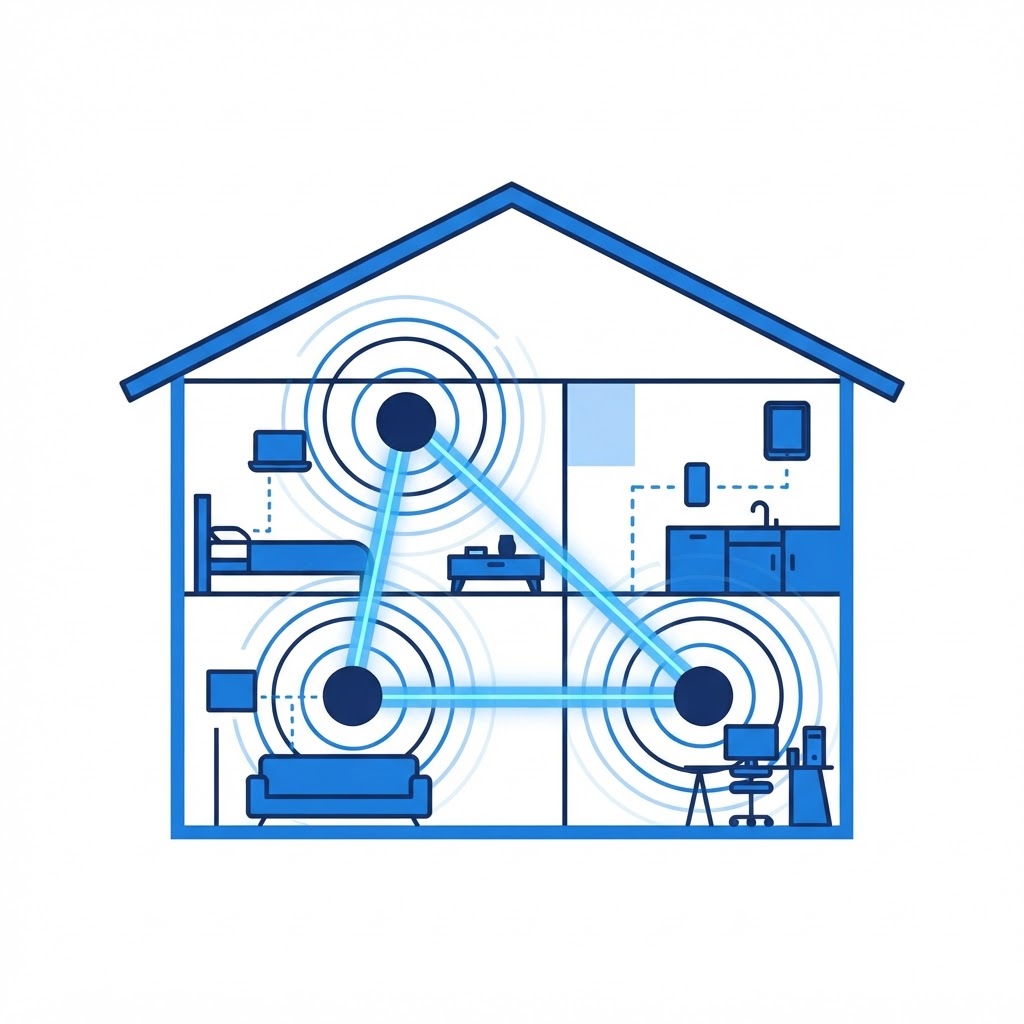
What Is a Mesh WiFi System? A Simple Guide
A mesh system is the perfect solution for large homes and apartments with dead spots.

How to Clean and Sanitize Your Computer Keyboard
Remove dust and germs from your keyboard to improve hygiene and typing feel.

11 Ways to Secure Your WiFi Network
Keep your home network private and safe from intruders with these essential security tips.

Eliminating Spam Emails for Good
Take control of your inbox by utilizing effective filtering and privacy strategies to stop unwanted junk mail.

The Best Router Security Settings to Protect Your WiFi Network
Secure your home network by enabling these essential settings to keep unauthorized users out.

Securing Your Mac Against Malware
Follow these essential security steps to keep your Apple computer running safely and free of malicious software.
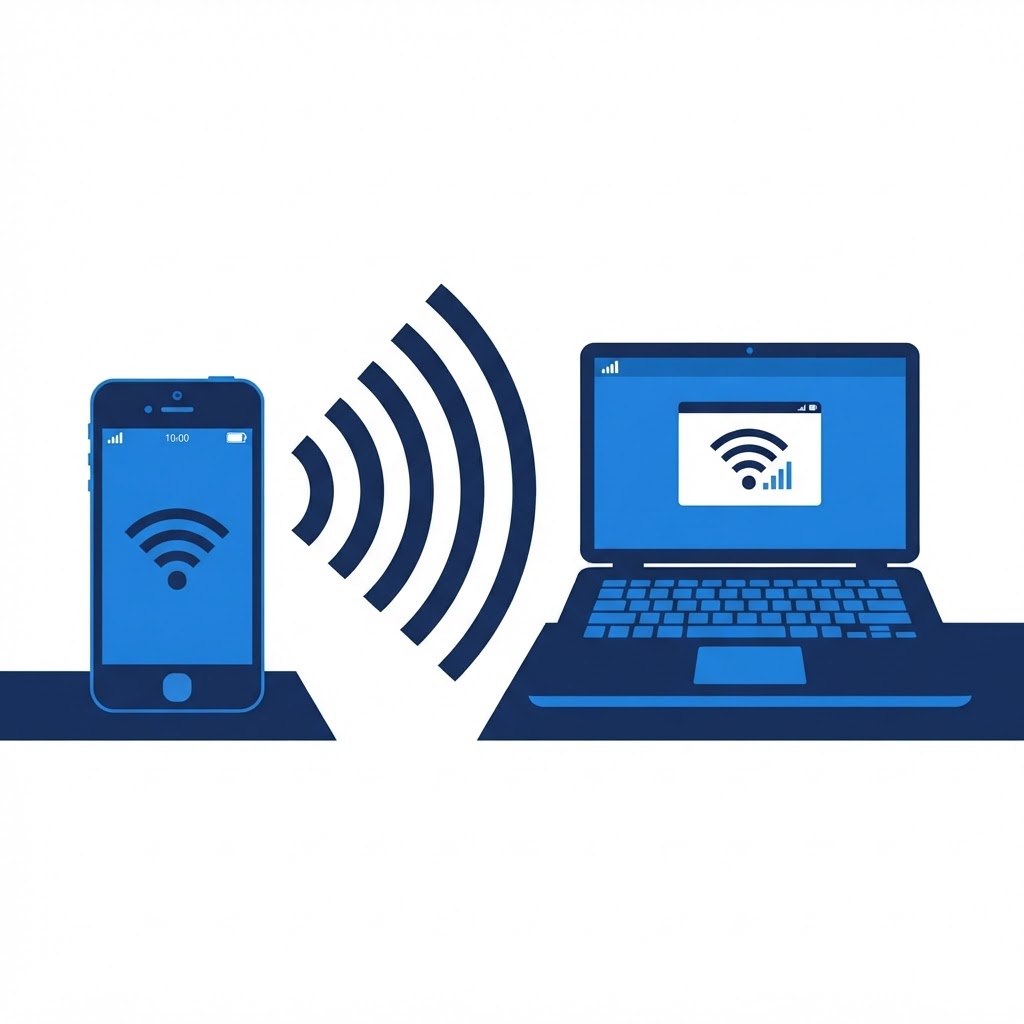
How to Turn Your Old Phone Into a Mobile Hotspot
Repurpose your spare smartphone into a functional mobile hotspot for emergency connectivity.
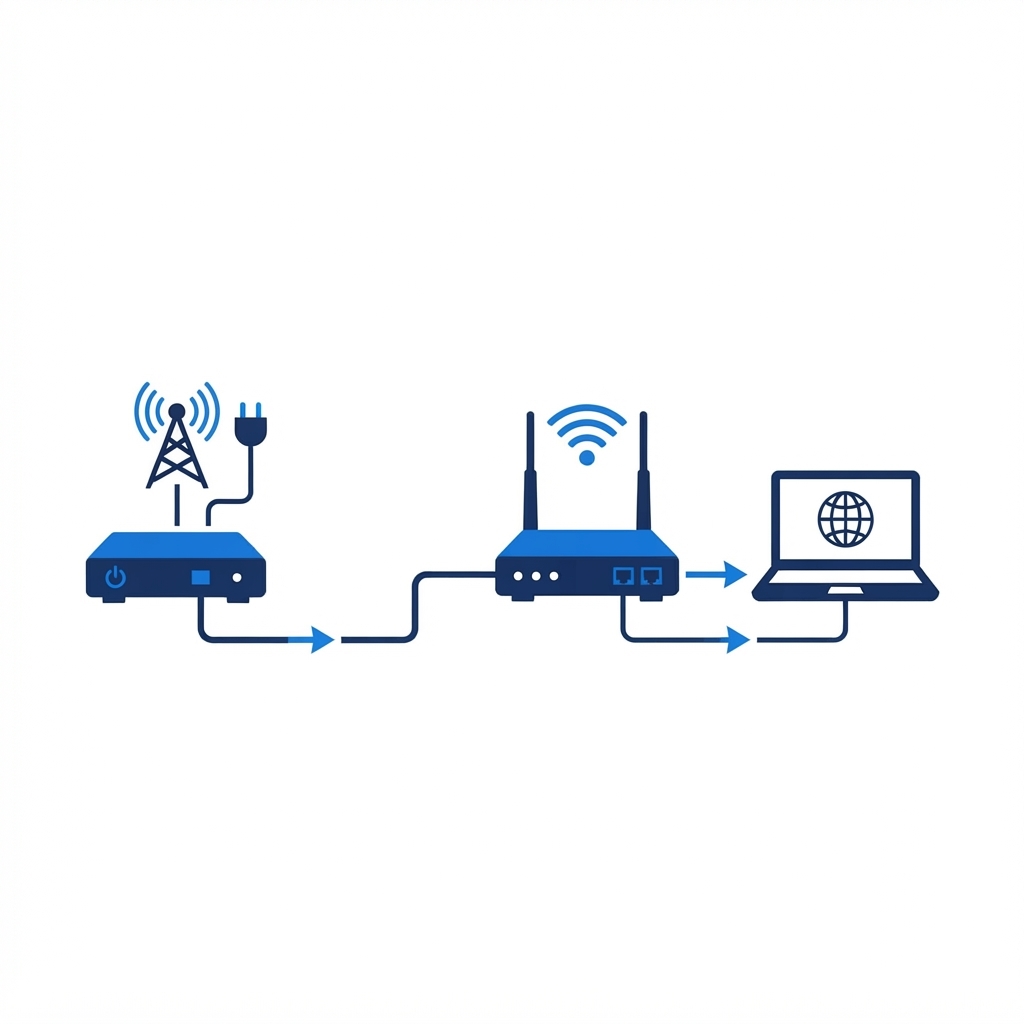
What Is the Difference Between a Router and a Modem?
Demystifying the two essential boxes that get you online.

Revitalizing a Slow Computer
Simple software and maintenance adjustments that can breathe new life into an aging desktop or laptop.

The Essentials of Digital Backups
Protect your digital life by establishing a reliable backup routine that keeps your files safe from hardware failure.
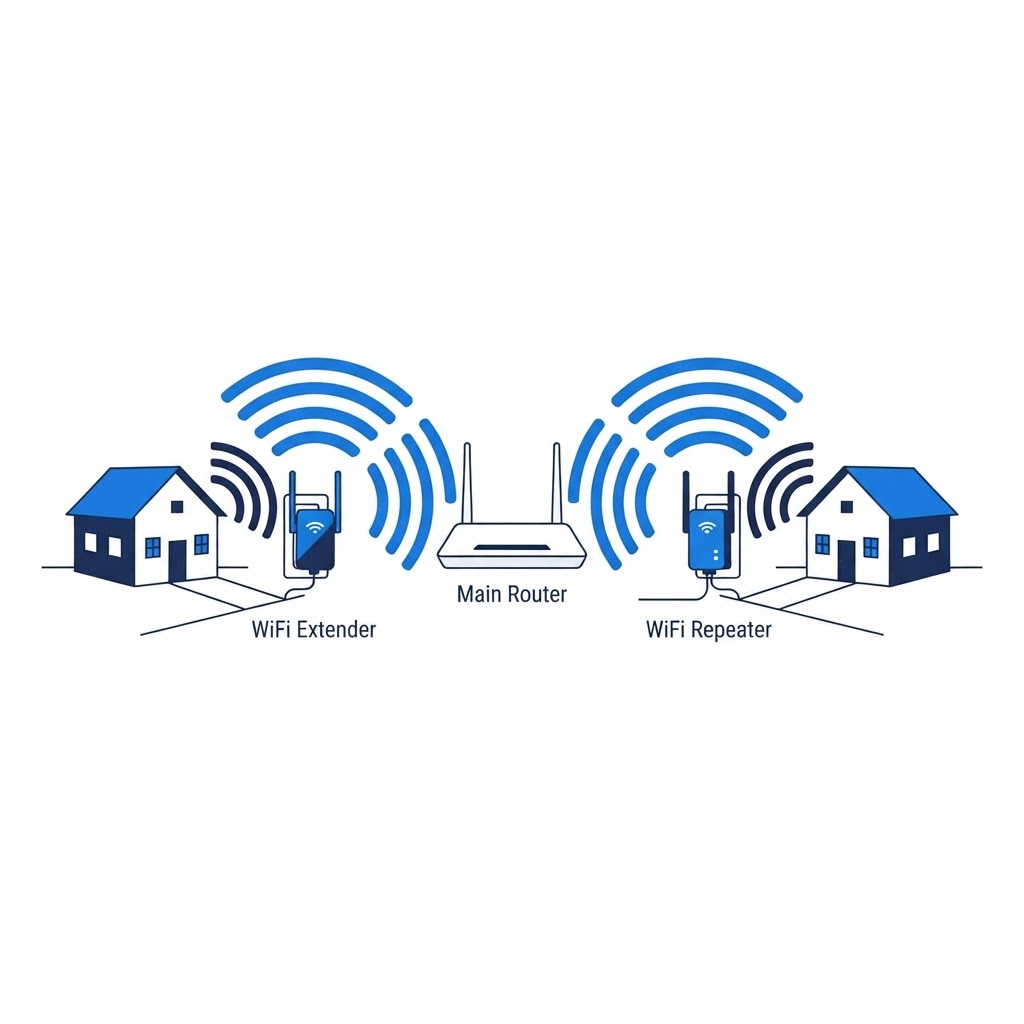
What Is the Difference Between a WiFi Extender and a WiFi Repeater?
Choosing between these two signal-boosting technologies for better home coverage.
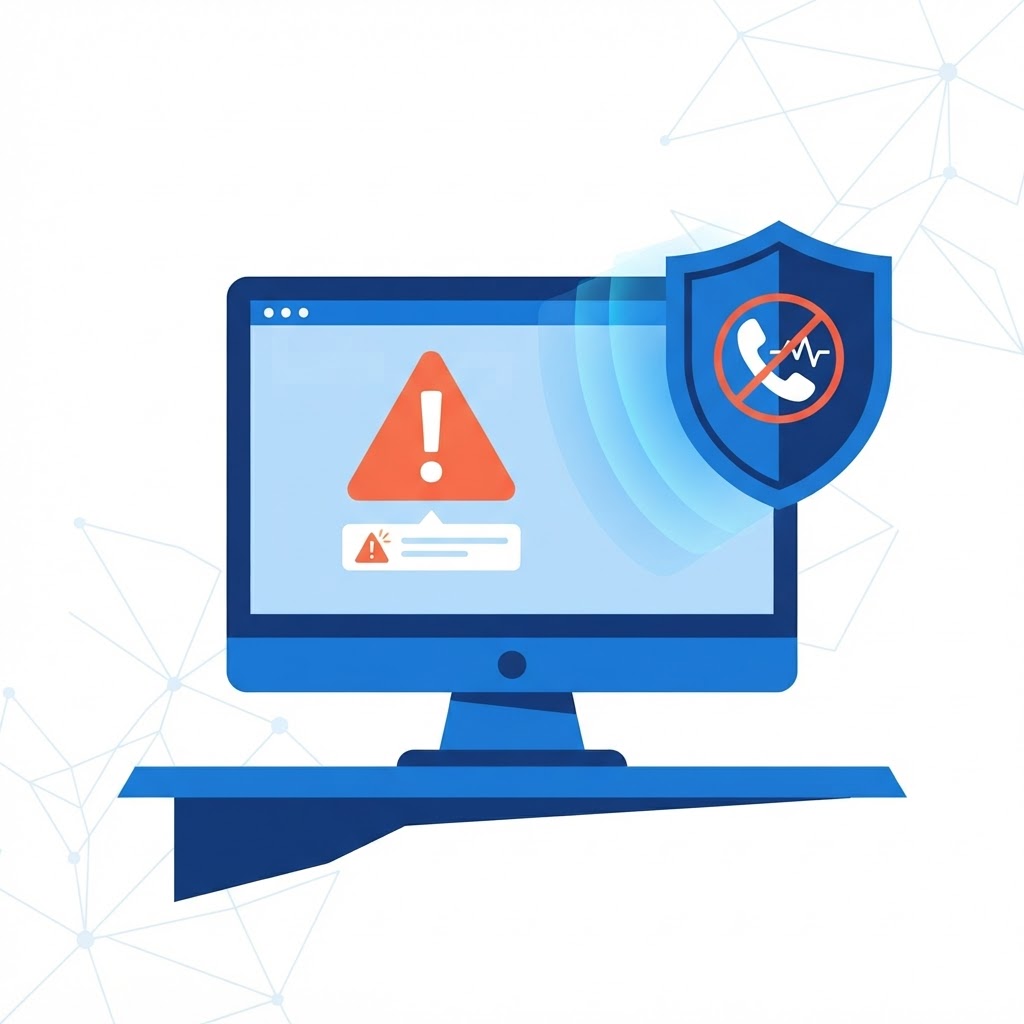
How to Identify and Avoid Tech Support Scams
Don't fall for fake error messages or cold calls; learn how to keep your data and money safe from predators.
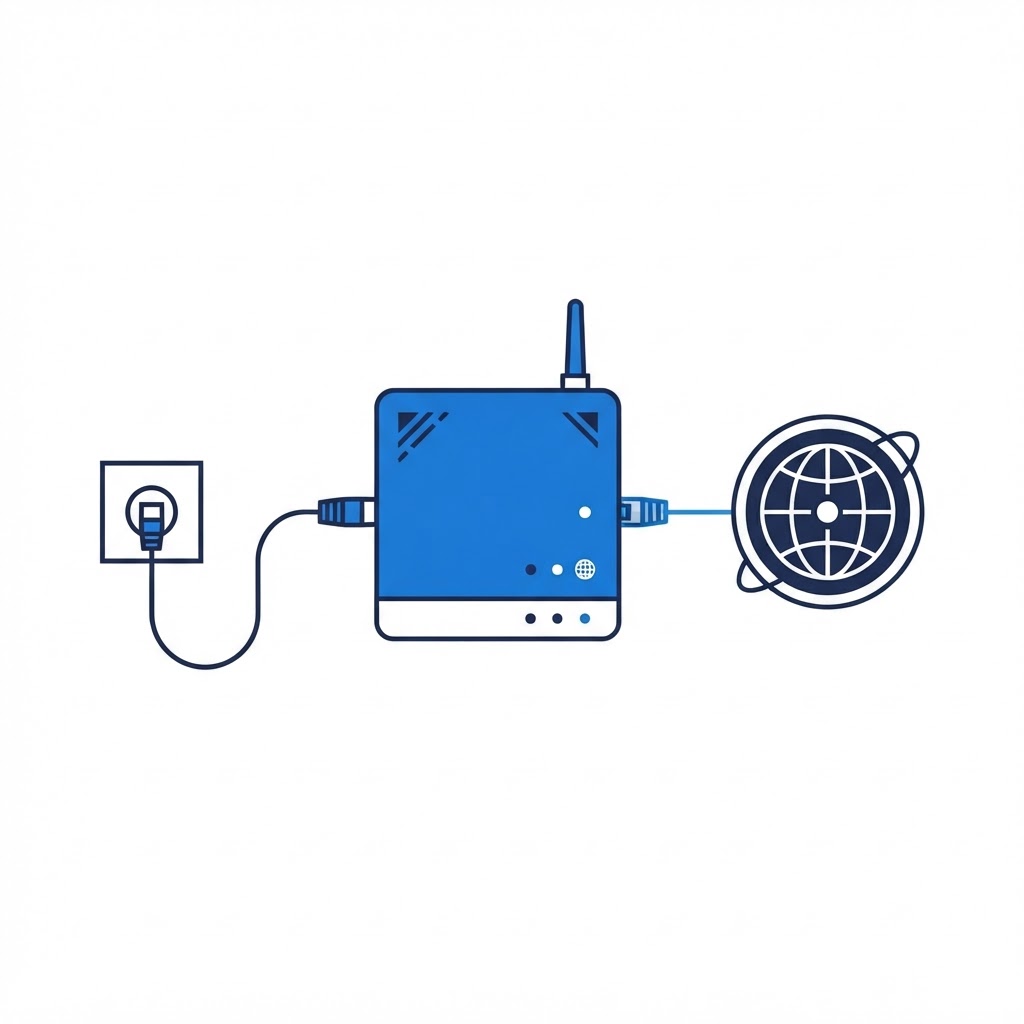
What Is a Modem? A Guide for Beginners
Learn the function of the modem and why it is the heart of your home network.
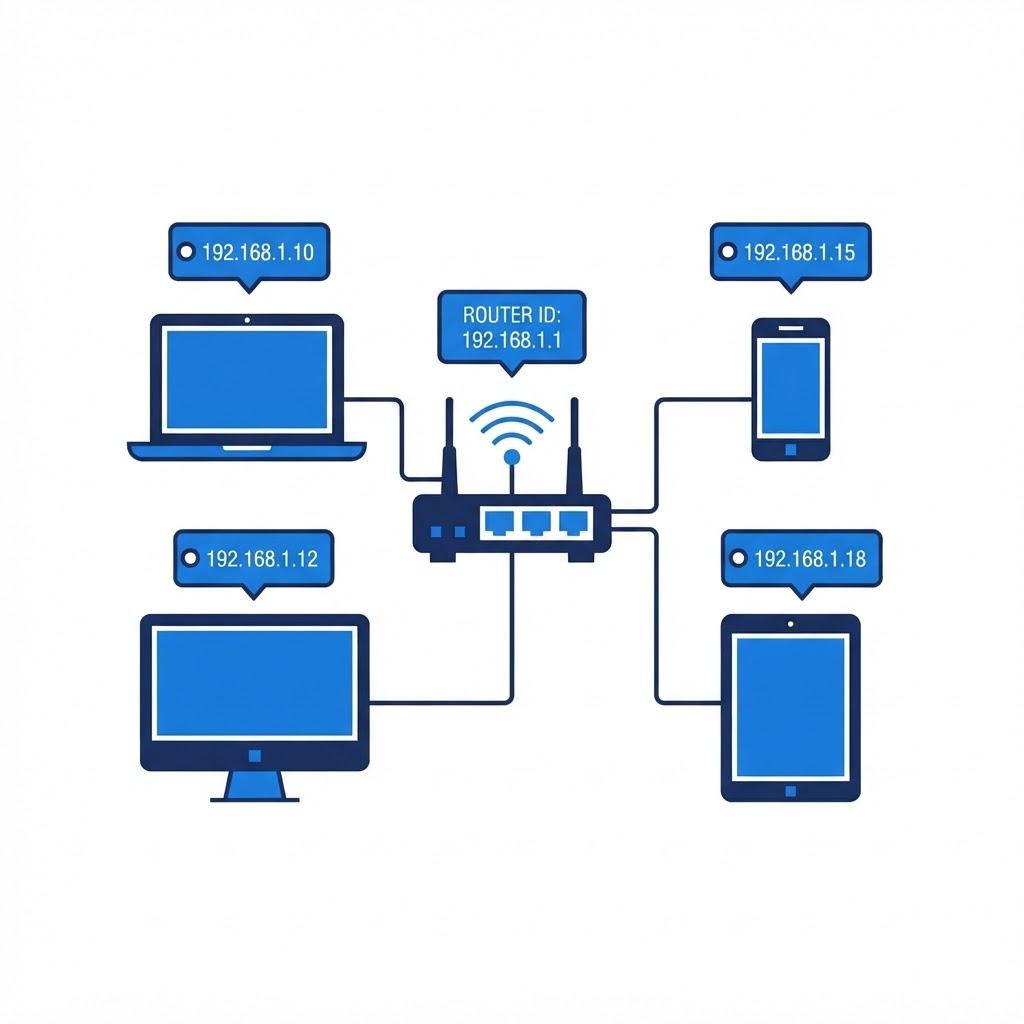
What Is an IP Address: Everything You Need to Know
A plain-English guide to understanding how devices communicate online.
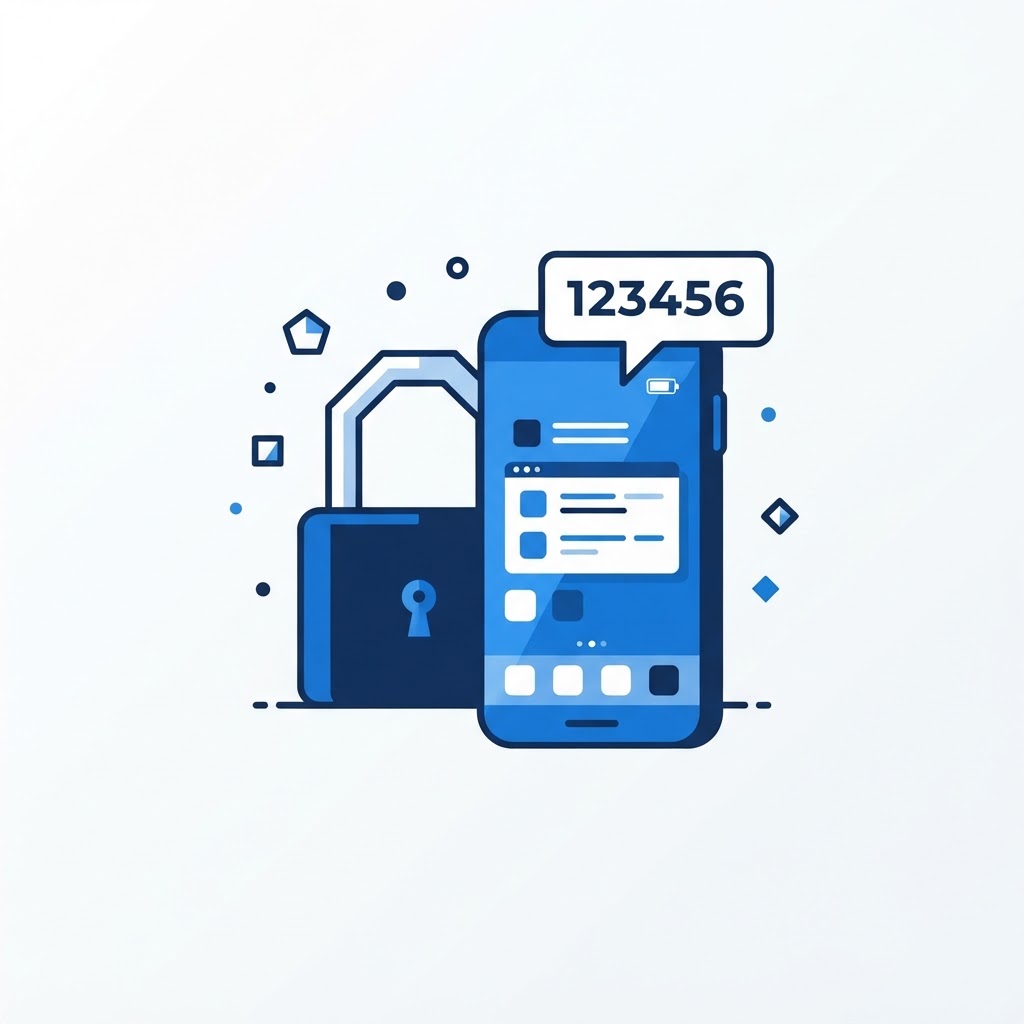
Securing Your Digital Life with Two-Factor Authentication
Two-factor authentication is the single most important step you can take to prevent account takeovers.
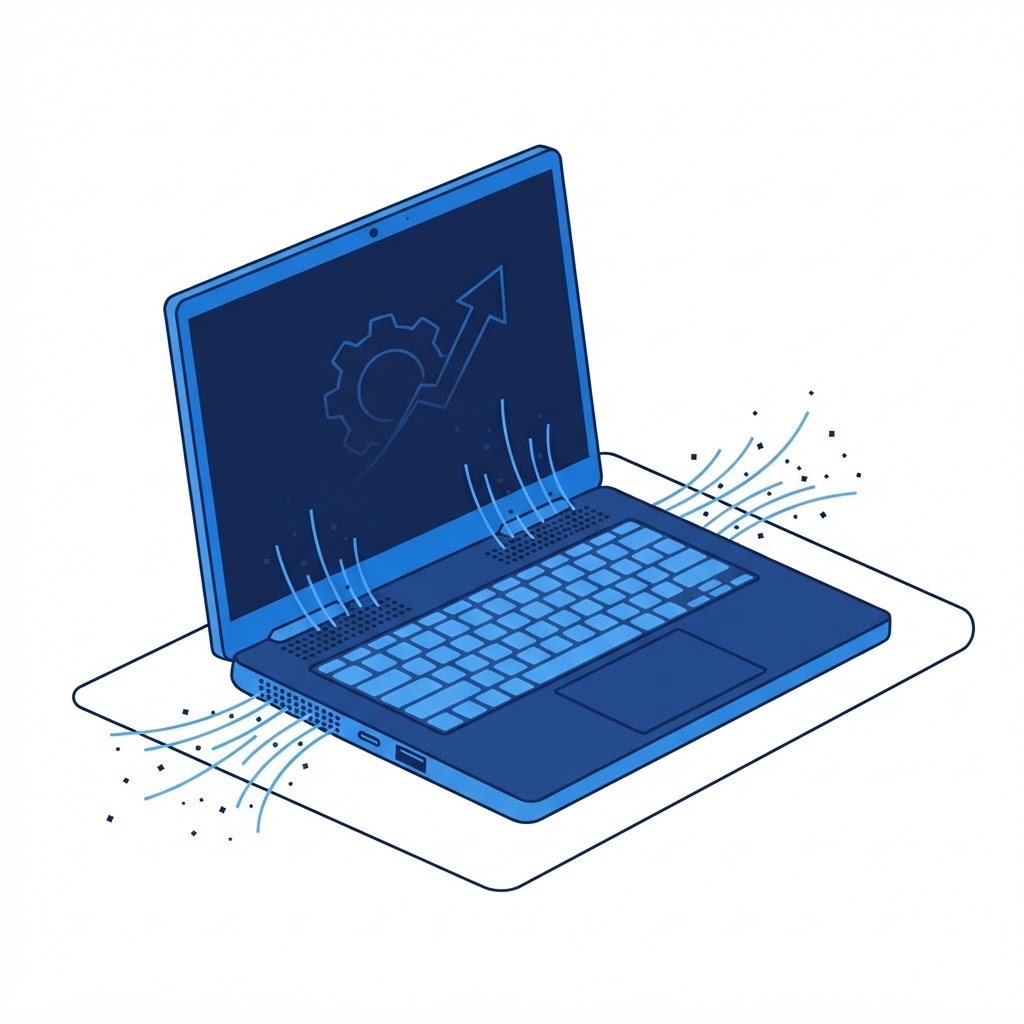
Cleaning Dust From Your Laptop for Better Performance
A dusty laptop runs hot and loud; here is how to safely clear the debris.

What Is Windows 10 S Mode, and How Do You Turn It Off?
Understand the limitations of S Mode and the permanent process for moving to standard Windows 10 or 11.
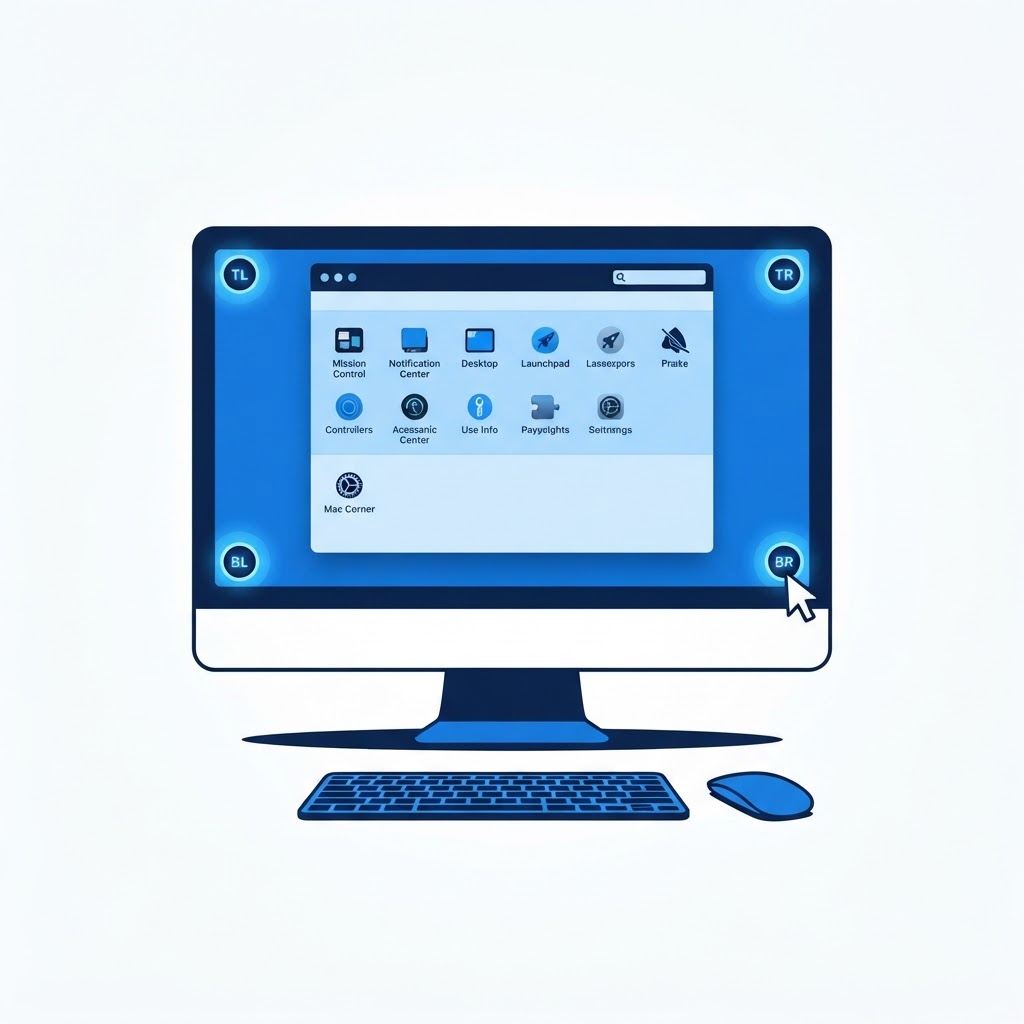
How to Set Up Hot Corners on a Mac
Maximize your macOS efficiency by assigning quick actions to the corners of your screen.

How to Speed Up a Slow Mac
Simple software maintenance can often revive a sluggish Mac without requiring a hardware upgrade.
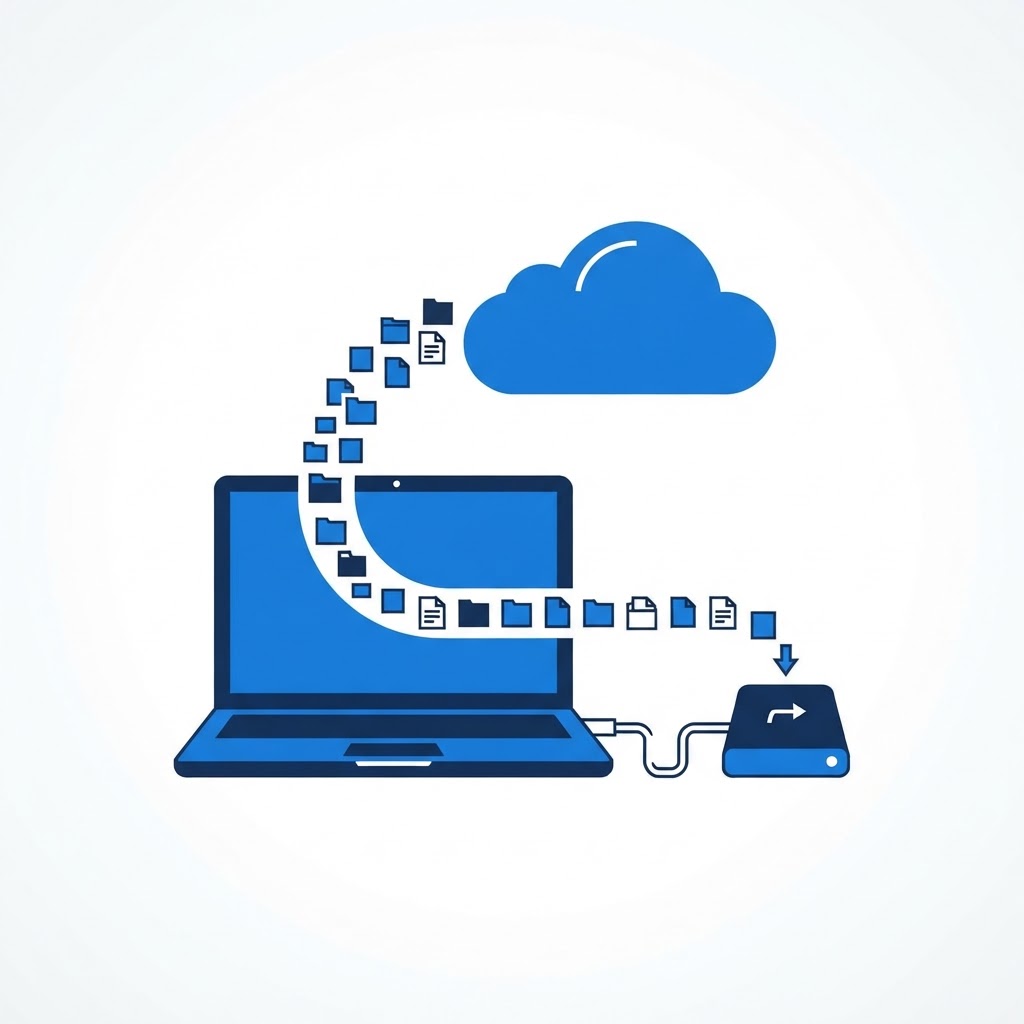
How to Back Up Your Computer the Right Way
A proper backup strategy follows the 3-2-1 rule to ensure your data survives any disaster.
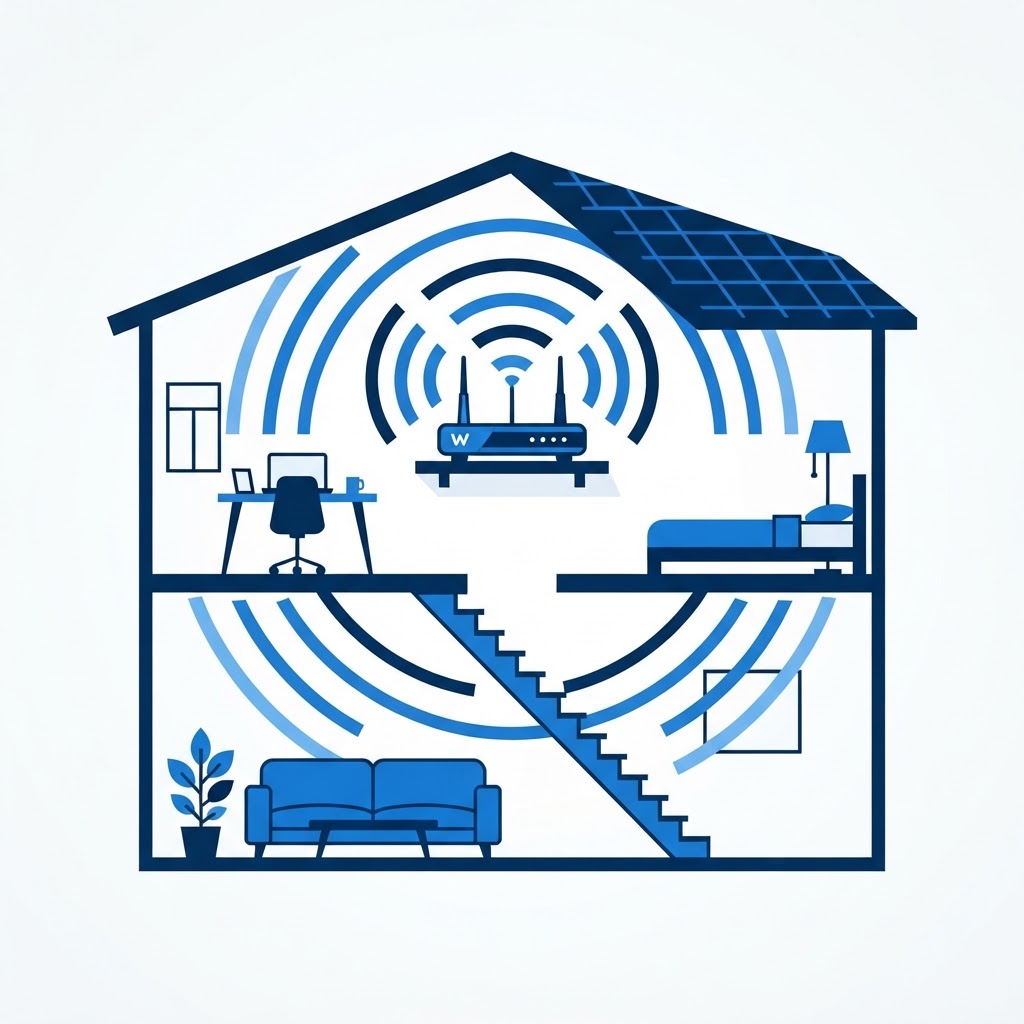
Where is the Best Place to Put Your WiFi Router?
Placement is key for a strong home network. Discover why your router's location determines your connection quality.

How to Protect Your Computer From Ransomware
Defending against ransomware requires a combination of smart browsing habits and robust security software.
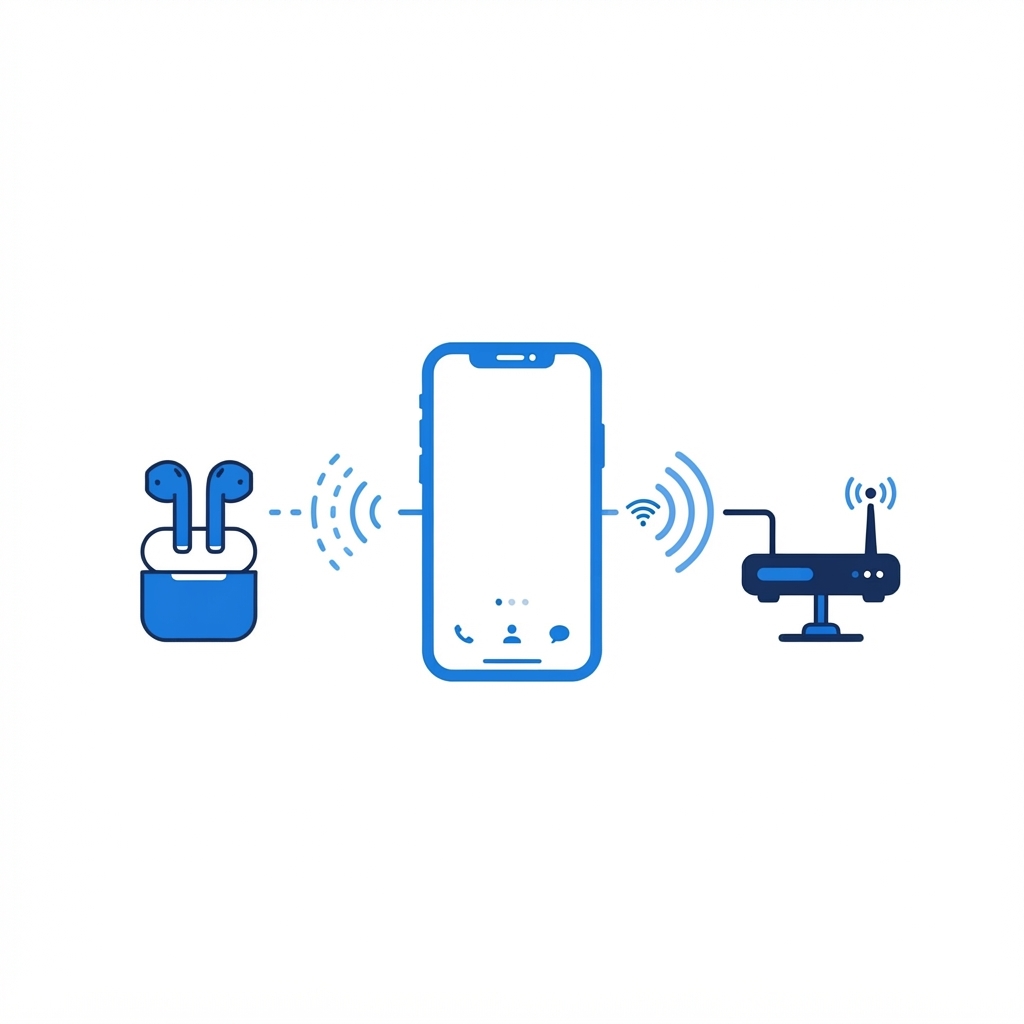
What is the Difference Between Bluetooth and WiFi?
While both use radio waves, they serve very different purposes. Learn how to distinguish between these two vital wireless technologies.
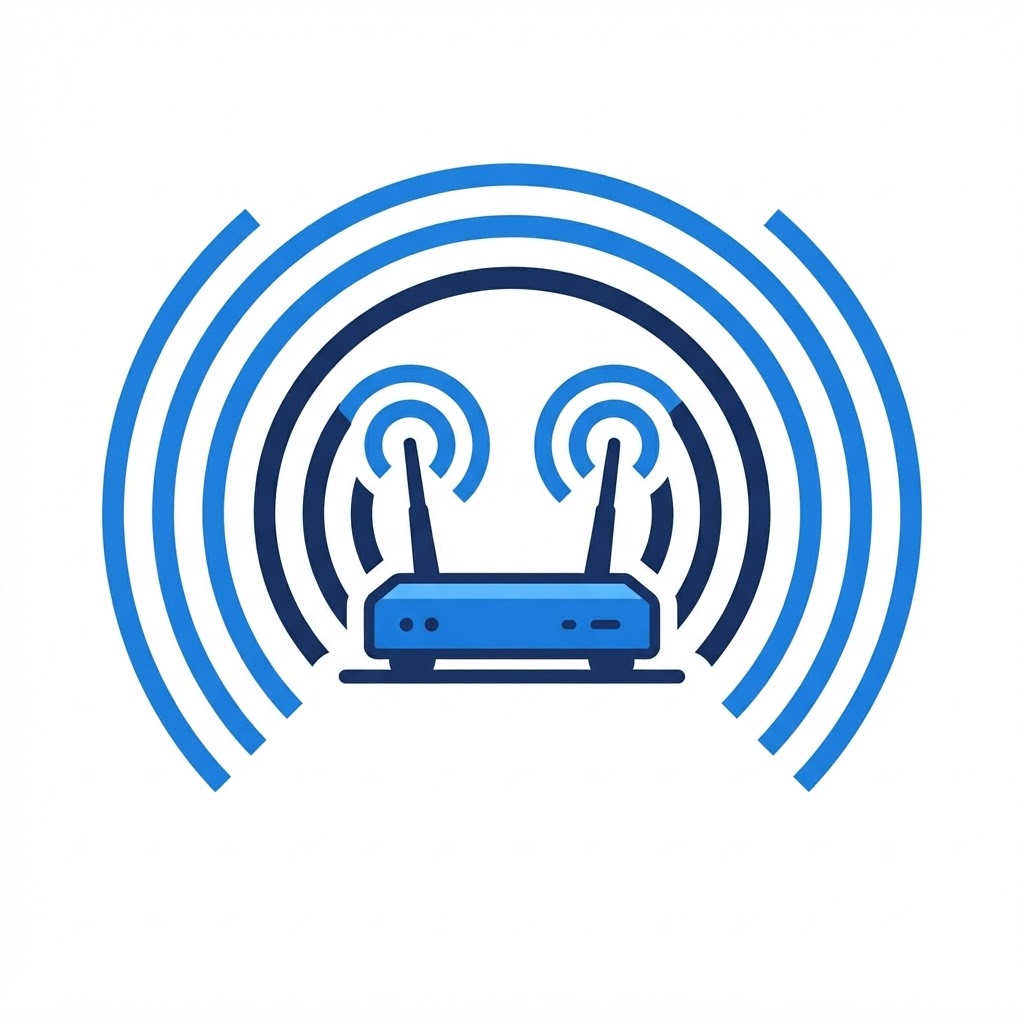
What Is a Dual-Band Router?
Understanding frequency bands can help you optimize your home network speed and stability.

What Is a Good Internet Speed?
How much speed do you really need? We break down the requirements for modern home connectivity.

What Is WiFi and How Does It Work?
WiFi is the invisible backbone of the modern smart home. Here is how it functions.
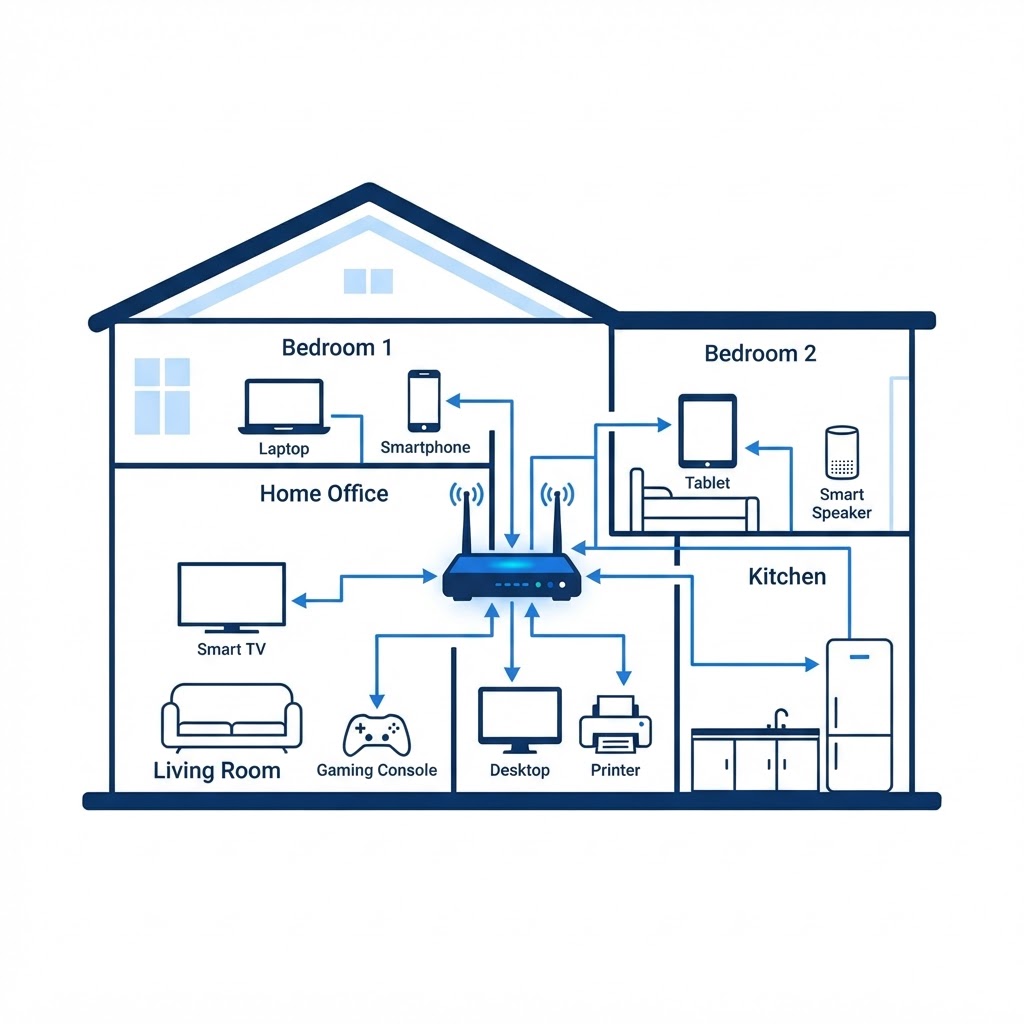
How to Set Up a Home Network
A step-by-step guide to building a robust and secure foundation for your smart home.
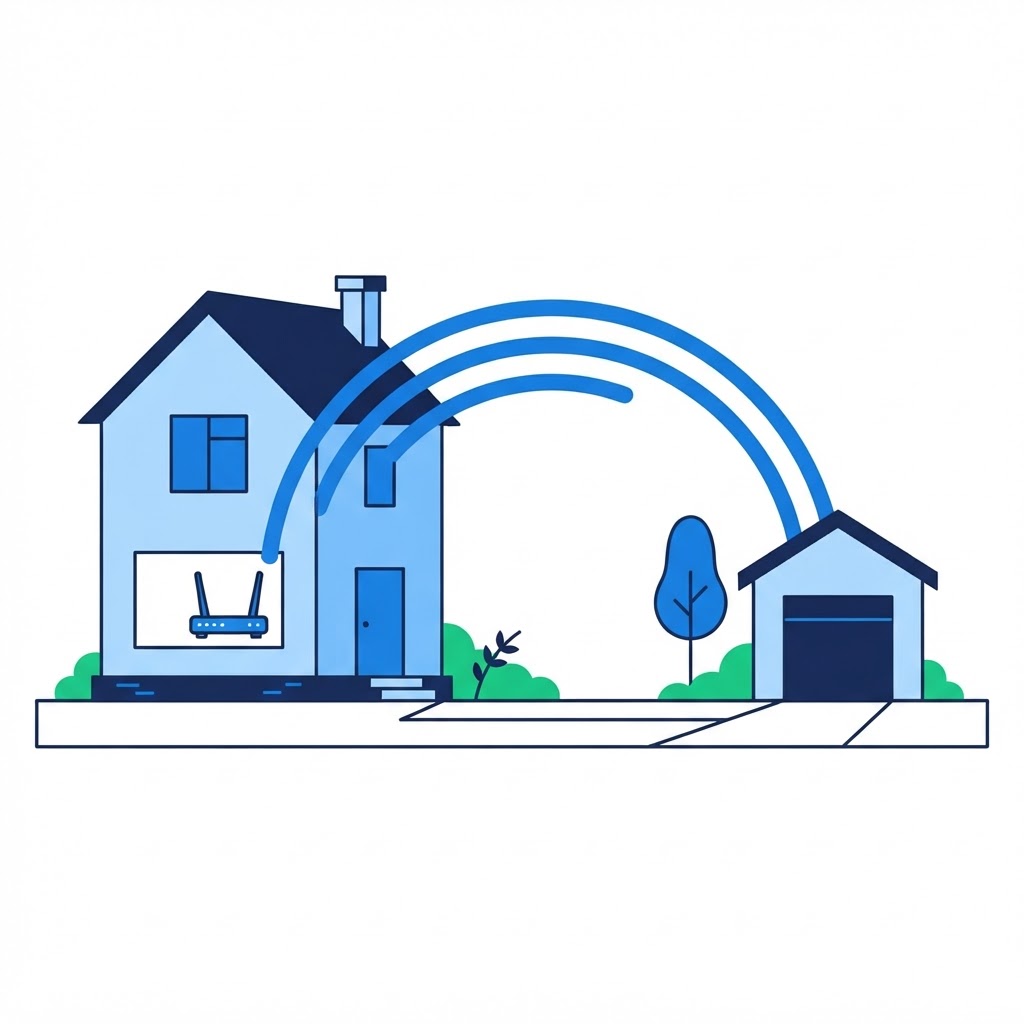
How to Extend WiFi to a Detached Garage or Backyard
Extend your connectivity to outdoor spaces using point-to-point bridges or mesh systems.

Wired vs WiFi: When to Use Ethernet
Learn why direct connections outperform wireless for critical stationary devices.
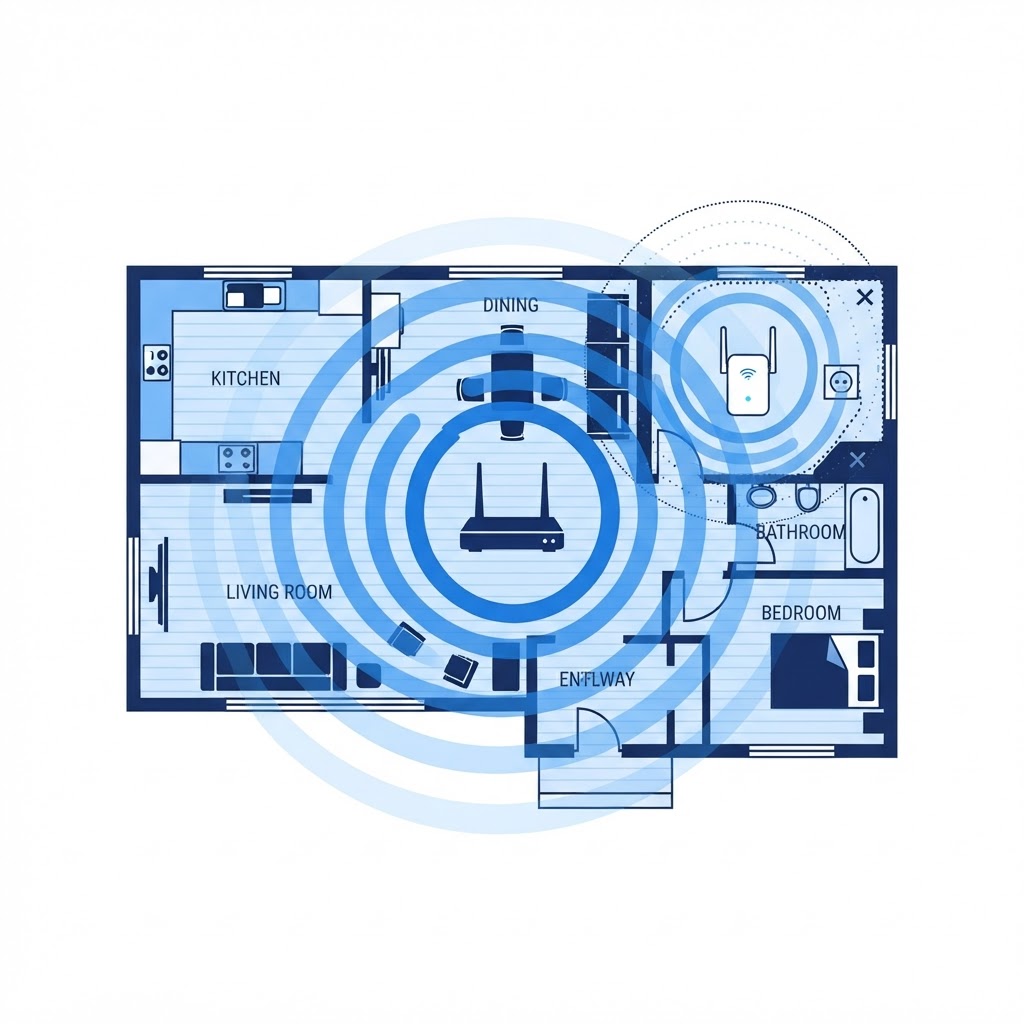
How to Fix WiFi Dead Zones in Your Home
Identify and eliminate signal obstructions to ensure consistent coverage.
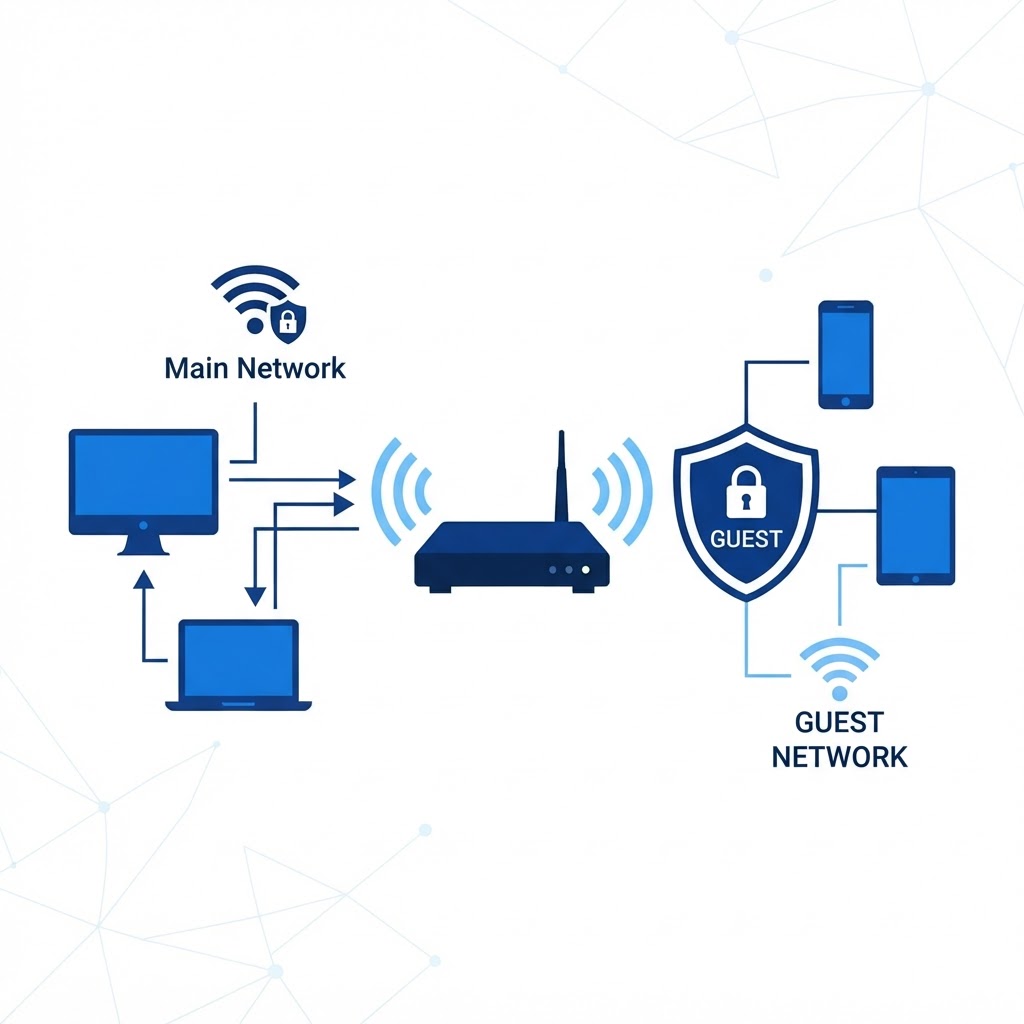
How to Set Up a Guest WiFi Network
Protect your primary network by creating a separate access point for visitors.

How to Reduce WiFi Lag for Gaming and Streaming
Optimize your network settings to prioritize high-demand traffic.
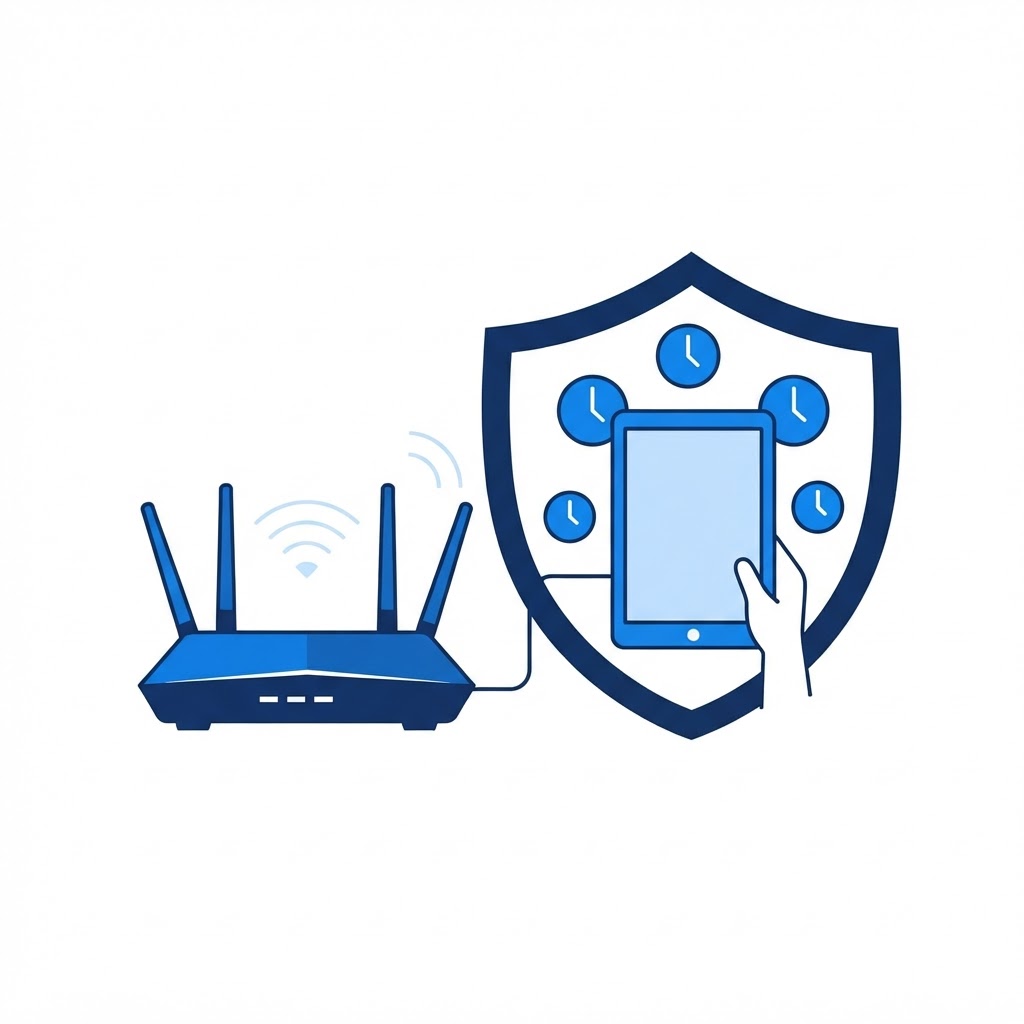
How to Set Up Parental Controls on Your WiFi Network
Manage screen time and content access directly at the router level.
Can't find the fix you need?
A TECHNICO technician can connect remotely and solve it with you — 24 hours a day, 365 days a year, anywhere in the US.
GET REMOTE SUPPORT